Powered By Olvy
To support the new EU information requirements, the shop software now provides two additional ways for communicating statutory rights and manufacturer guarantees.
Merchants can now provide the legal guarantee notice to inform customers about their rights.
For products covered by a manufacturer’s durability guarantee of more than two years, merchants can add the GARAN label directly to products.
From 19 June 2026, shops selling to customers in the EU must offer a clearly visible withdrawal option.
The new withdrawal button in the footer of the shop gives customers a direct way to withdraw from an order. Instead of writing an email and looking up the correct address, they just have to click the button and confirm a few details.
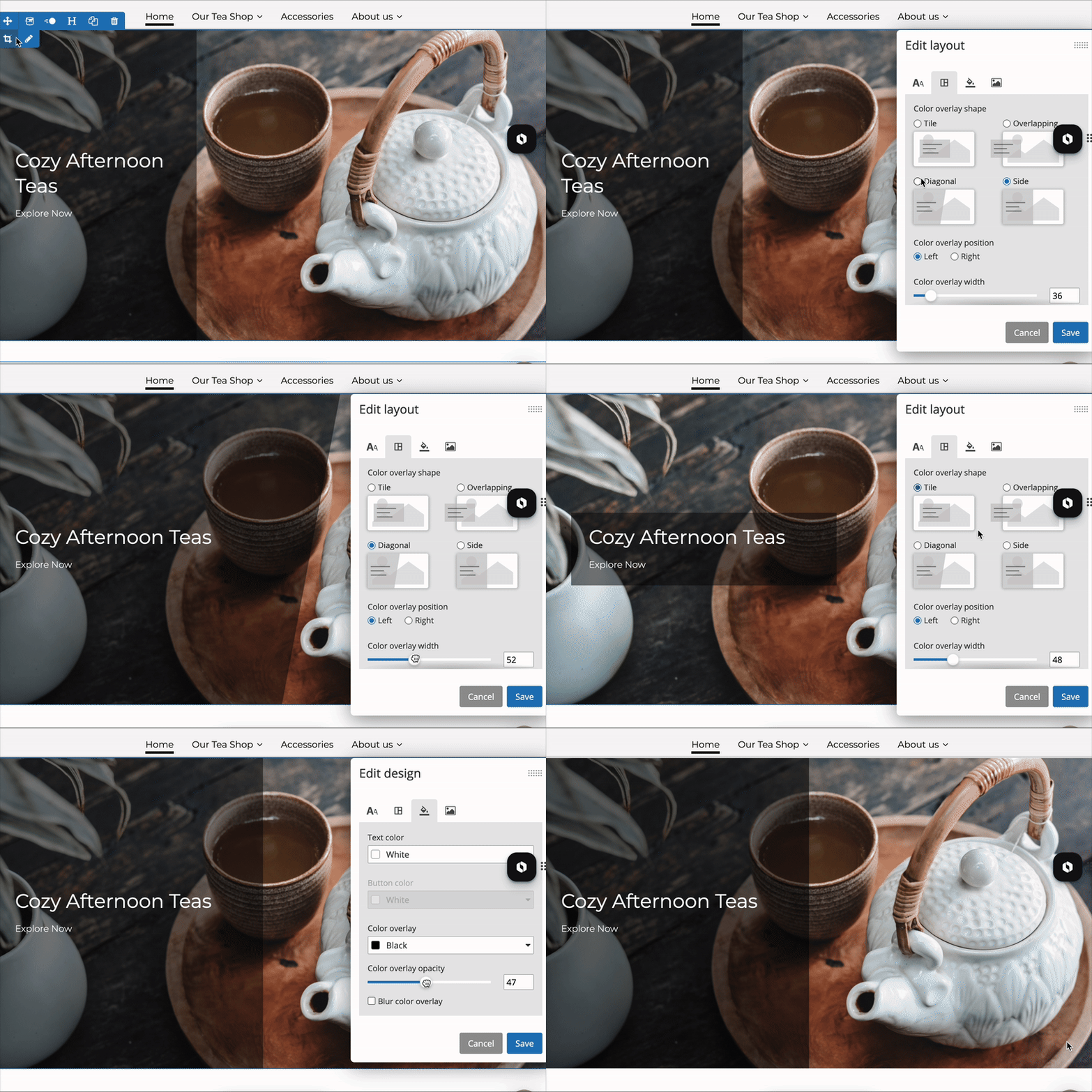
You can now add background images to content elements in the editor, giving you more creative freedom when designing your pages. A unified settings layer for solid colors, gradients, and images is available, along with an adjustable black overlay to keep text easy to read.
With the new setting for themes with a full-width header, you can choose whether the header stays visible at all times or only appears when scrolling up. This gives your customers quick access to the menu, searchbar, customer area, and basket.
With the new age confirmation app, you can add a pop-up to your store that requires visitors to confirm they have reached the required minimum age. This is especially useful if you sell age-restricted products such as wine, spirits, or e-cigarettes.
Create customer groups with special rates, apply discounts to entire product categories, or fine-tune pricing at the individual product level – all in just a few steps. With product-specific discounts for customer groups, you can offer precision pricing where it matters most, reward loyal customers, and maximize margins on key items.
Use cases: These tools are perfect for merchants who want to offer exclusive rates to wholesale buyers, run seasonal category-wide promotions, or set special discounts on specific products for specific customer groups (think: a deeper deal on a bestseller for VIPs, clearance pricing for partners, or negotiated rates for key accounts) – all while keeping the overall pricing structure clean and consistent.
Boost your shop’s search visibility in seconds with AI-generated meta descriptions. Automatically created from your product titles and descriptions, they’re designed to increase click-through rates and attract more qualified traffic. Perfect for merchants who want consistent SEO across their store or need to update large product catalogs quickly – without the hassle of manual editing.
Use case: A merchant manages hundreds of products and wants to optimize meta descriptions without spending days editing them manually. With AI-generated meta descriptions, they can quickly create optimized, click-worthy texts and improve search visibility across their entire product range.
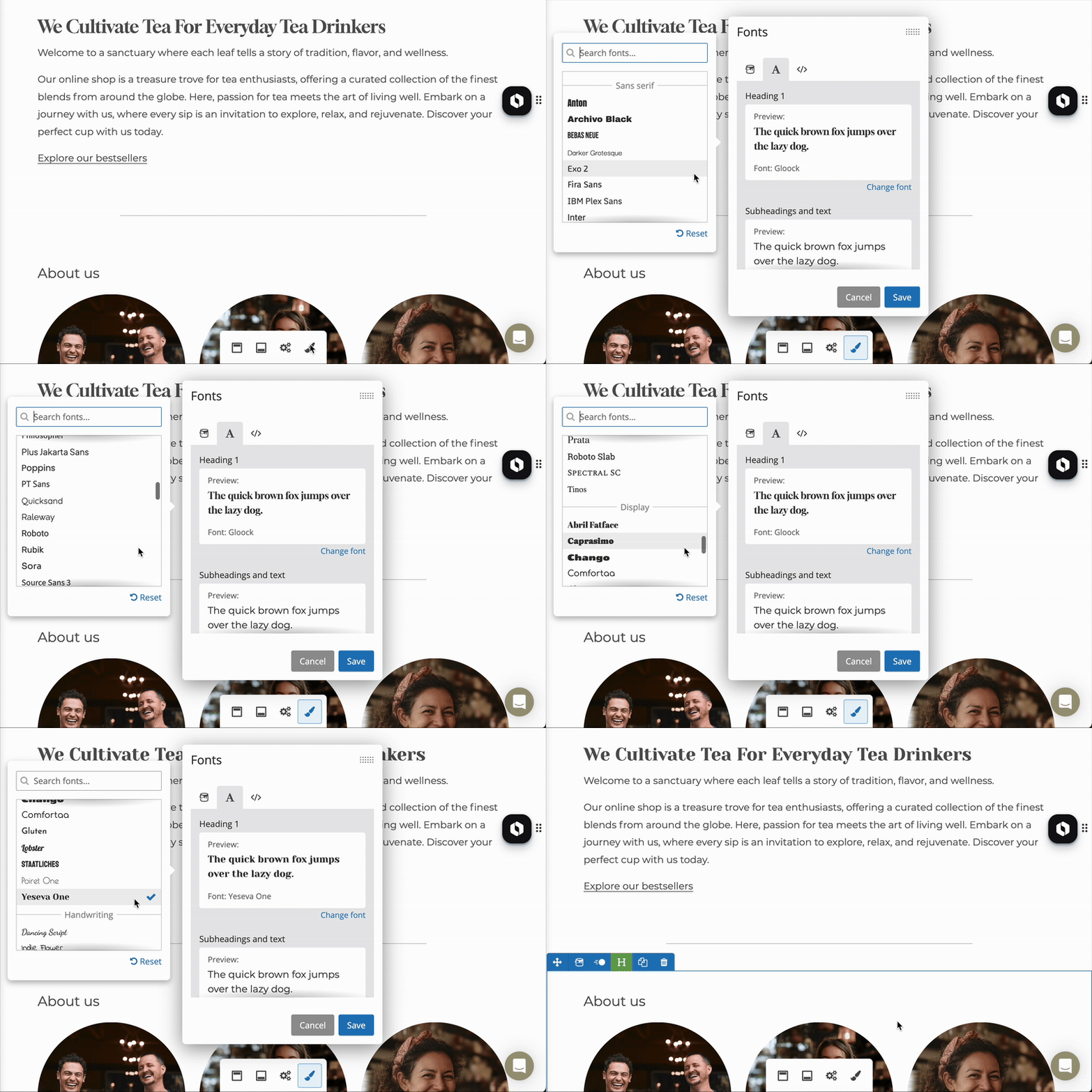
New fonts are here! We’ve expanded our font library with modern body fonts and expressive headline styles, giving you more ways to match your website’s look to your brand.
With the the new content element "logo gallery", you can easily display brands you are selling on your site. Take control of the sizing and margins directly in the editor - no need for Photoshop or extra tools. This is ideal for displaying partner logos or other small visuals in a clean, consistent way.
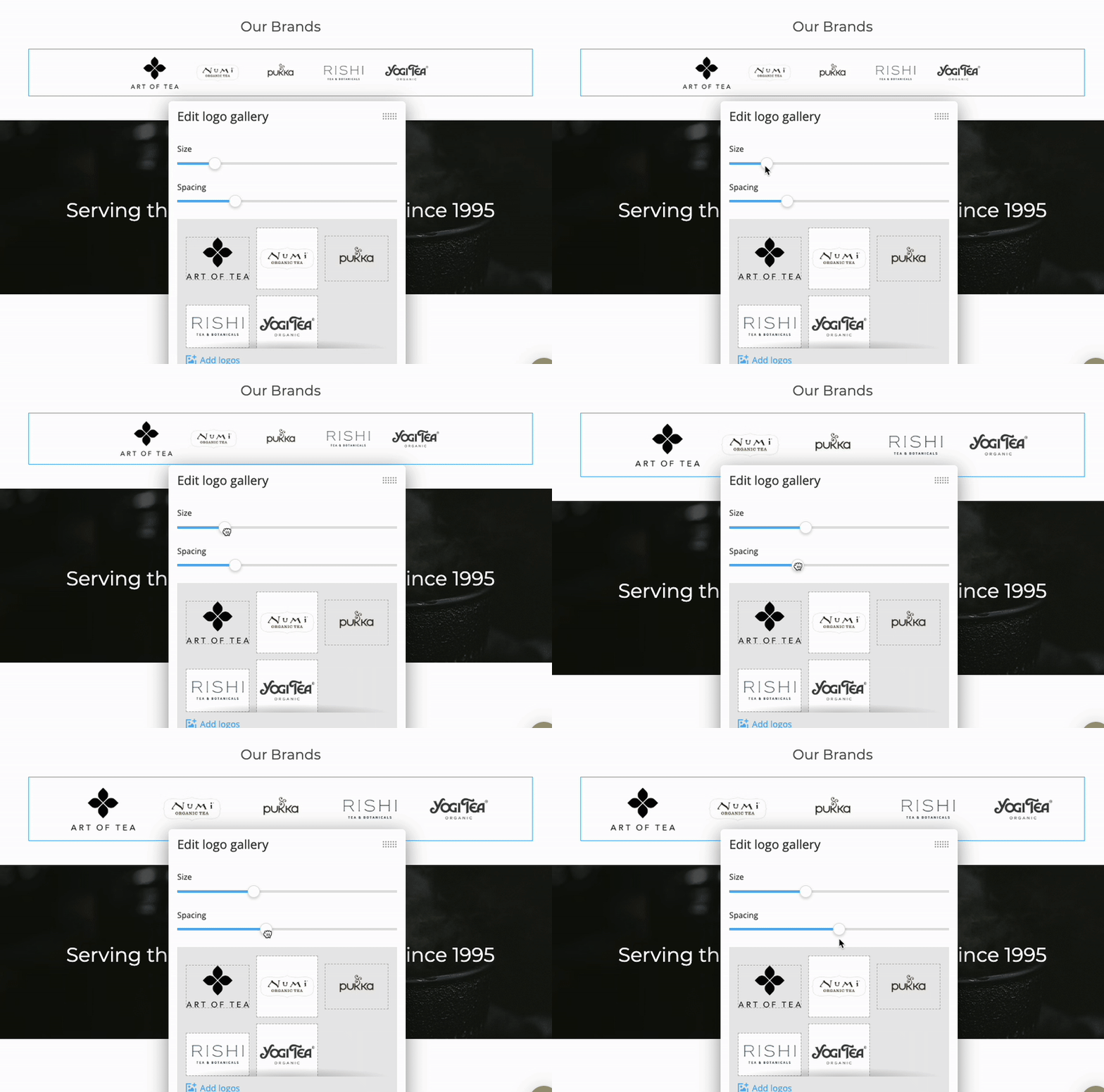
Use case: An online shop for sport clothes wants to showcase the most important brands they are selling like Nike, Adidas, Reebok, Puma, Under Armour etc.
Your website’s first impression just got a major upgrade: our new banner image content element makes it easy to create a modern, eye-catching look.